

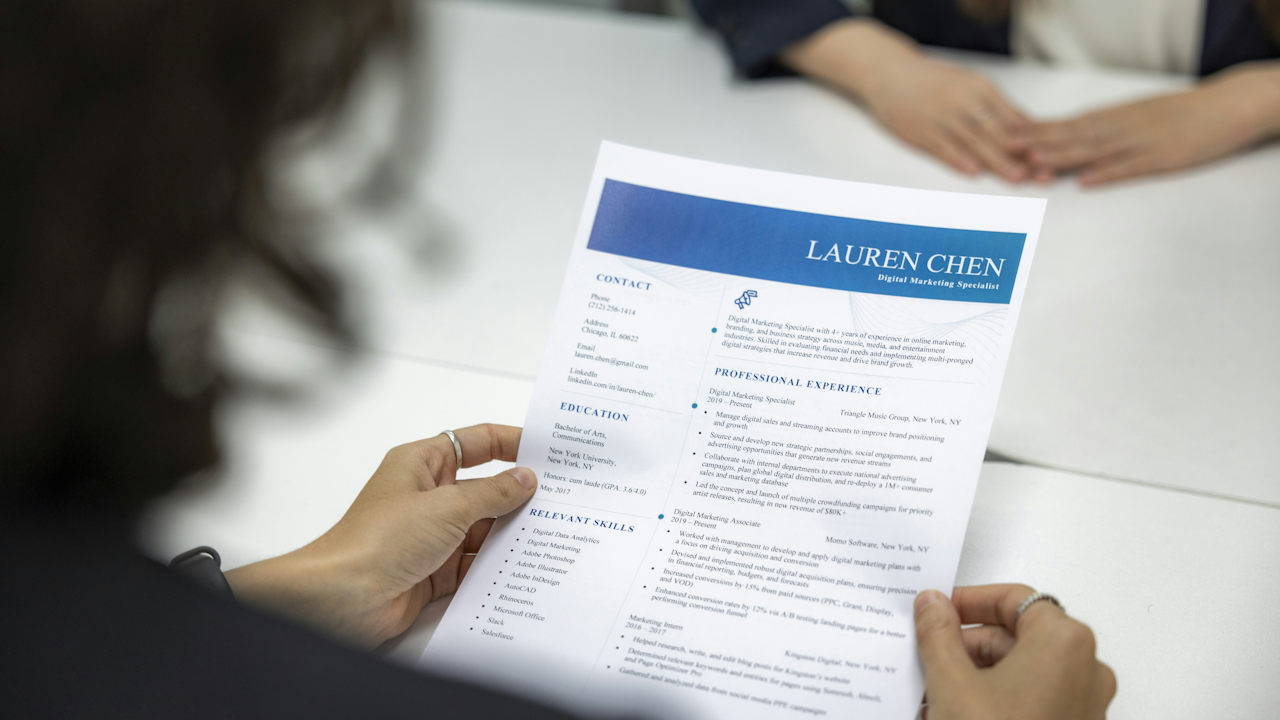
In the job market of 2026, recruiters and hiring managers spend an average of just seven seconds scanning a resume before deciding whether to move forward. With applicant tracking systems filtering out up to 75 percent of applications automatically and artificial intelligence tools assisting in initial reviews, even small errors can eliminate otherwise strong candidates instantly. A polished resume does not guarantee an interview, but a flawed one almost always ends the process before it begins. This comprehensive guide examines the 12 most common resume mistakes job seekers make today, explains why they derail applications, and delivers clear, step-by-step fixes with real-world examples. Follow these strategies and transform your document from a liability into a powerful marketing tool that showcases your value.
1. Spelling, Grammar, and Typographical Errors
Typos and grammatical mistakes remain the single most frequent resume error, appearing on more than half of all submissions. Recruiters interpret them as signs of carelessness or lack of attention to detail, qualities no employer wants in a new hire. Even one misplaced comma or misspelled word can shift a strong candidate into the rejection pile.
To fix this, adopt a rigorous proofreading process. First, run the document through multiple spell-check tools, including built-in word processor features and specialized apps such as Grammarly or LanguageTool. Then read the resume aloud slowly to catch awkward phrasing. Next, print a physical copy and review it line by line; errors often jump out on paper that screen reading misses. Finally, ask two trusted colleagues or mentors to review the final version with fresh eyes. For example, change the bullet point “Managed a team of five and lead daily meetings” to “Managed a team of five and led daily meetings.” Consistent verb tense and proper subject-verb agreement throughout the document prevent these issues entirely.
2. Submitting a Generic, One-Size-Fits-All Resume
Sending the identical resume to every opening signals a lack of genuine interest. Hiring managers can spot a template immediately, and the document fails to address the specific requirements listed in the job posting.
The solution is targeted customization. Begin by creating a master resume that contains every relevant experience, skill, and achievement. For each application, open a fresh copy and spend 15 to 20 minutes tailoring it. Mirror the language of the job description where it aligns with your background, reorder bullet points to highlight the most pertinent accomplishments first, and remove or condense experiences that add no value to the target role. If the posting emphasizes “cross-functional collaboration,” ensure that phrase or a close equivalent appears naturally in your summary or experience section. This approach increases interview rates dramatically because it demonstrates research and fit from the very first line.
3. Listing Responsibilities Instead of Quantifiable Achievements
Many resumes read like copied job descriptions: “Responsible for sales,” “Handled customer inquiries,” or “Managed projects.” These statements tell what the candidate was supposed to do, not what they actually accomplished. Recruiters already know the typical duties of a role; they want proof of impact.
Replace every responsibility bullet with an achievement that includes numbers whenever possible. Use the formula: Action verb + task + result + context. For instance, transform “Responsible for sales” into “Increased quarterly sales by 28 percent in a competitive territory of 120 accounts by implementing targeted outreach campaigns.” If exact figures are unavailable, use ranges or percentages such as “Reduced processing time by approximately 40 percent.” Aim for at least one measurable outcome per role. This shift turns a bland list into compelling evidence of your contributions and makes your resume stand out in both human and automated reviews.
4. Poor Formatting That Confuses ATS Software or Human Readers
Fancy templates with multiple columns, text boxes, icons, images, or unusual fonts may look modern, but they frequently break applicant tracking systems. The software cannot parse the content correctly, and even human recruiters become frustrated when information appears jumbled on their screens.
Stick to a clean, ATS-friendly layout. Choose standard fonts such as Arial, Calibri, or Times New Roman in 10- to 12-point sizes. Use clear section headings like “Professional Experience,” “Education,” and “Skills.” Employ standard bullet points and single-column formatting. Save the final file as a PDF to preserve layout across devices while ensuring compatibility. Avoid headers, footers, tables, and graphics unless the role specifically requires design skills. Test the resume by copying its text into a plain notepad document; if it reads cleanly, the format is safe. This simple adjustment ensures your content reaches the hiring manager intact.
5. Failing to Incorporate Relevant Keywords
Applicant tracking systems scan for exact matches to the job description. Without those keywords, even the most qualified candidate may never reach a human reviewer. At the same time, stuffing the document with repeated phrases creates an unnatural tone that recruiters notice immediately.
The fix lies in balanced integration. After tailoring the resume, review the original job posting and underline five to eight critical phrases such as “SQL database management,” “agile project delivery,” or “stakeholder communication.” Weave those terms naturally into your professional summary, skills section, and experience bullets. For example, if the posting requests “experience with CRM systems,” write “Optimized customer relationship management processes using Salesforce, resulting in a 35 percent improvement in retention rates.” Read the section aloud to confirm it still sounds conversational. This strategy satisfies both the algorithm and the human reader without appearing forced.
6. Producing a Resume That Is Too Long or Too Short
A one-page resume for a mid-career professional with 15 years of experience looks incomplete, while a three-page document overwhelms recruiters who scan quickly. Entry-level candidates often stretch their content to fill space, while seasoned professionals cram too much history onto the page.
Target one to two pages based on your career stage. Entry-level and early-career applicants should aim for one full page. Professionals with more than ten years of relevant experience may use two pages if every line adds clear value. Trim older roles to a single line that lists only title, company, and dates. Eliminate high-school information once you have a college degree. Use white space generously so the document remains skimmable. If you find yourself running short, add a brief “Selected Achievements” subsection under your most recent role rather than padding irrelevant details.
7. Including an Outdated Objective Statement
Objective statements that declare what the candidate wants, such as “Seeking a challenging role where I can grow my skills,” have fallen out of favor. They focus on the applicant’s needs instead of the employer’s.
Replace any objective with a concise professional summary of three to four lines that highlights your most relevant expertise, years of experience, and key strengths. For example: “Results-driven marketing manager with eight years of experience driving digital campaigns that increased lead generation by 45 percent. Proven track record in SEO strategy, content development, and cross-functional team leadership. Seeking to leverage analytical skills and creative vision to support growth objectives at a forward-thinking organization.” This format immediately positions you as a solution to the employer’s challenges.
8. Adding Irrelevant or Overshared Personal Information
Including age, marital status, photos, religious affiliations, or hobbies unrelated to the job wastes precious space and can introduce unconscious bias. References belong on a separate document, not the resume itself.
Limit the header to name, phone number, professional email address, LinkedIn URL, and location (city and state only). Reserve a dedicated “Skills” or “Certifications” section for technical proficiencies. If a hobby directly supports the role, such as volunteer leadership for a nonprofit management position, mention it briefly under a “Community Involvement” heading with a result attached. Otherwise, delete it entirely. This keeps the document professional and focused solely on qualifications.
9. Inconsistent Formatting, Dates, or Tense
Switching between bullet styles, using different date formats (March 2024 versus 3/24), or mixing past and present tense within the same section creates a sloppy impression. Gaps in employment without context raise red flags even when they are innocent.
Standardize every element. Choose one date format and apply it universally, such as “March 2023 – Present.” Maintain consistent punctuation at the end of bullets. Use past tense for completed roles and present tense only for current positions. For employment gaps, consider a brief explanatory line in the experience section if the gap is longer than six months and relevant, such as “Career break to provide full-time family care, 2022-2023.” These small consistencies signal reliability and professionalism.
10. Using an Unprofessional Email Address or Missing Contact Details
An email address like “partyanimal92@gmail.com” or an incomplete phone number immediately undermines credibility. Omitting a LinkedIn profile in 2026, when most recruiters check it within minutes, is equally damaging.
Create a professional email that combines your first and last name, such as “firstname.lastname@gmail.com.” Verify that your voicemail greeting is clear and businesslike. Place contact information prominently at the top in a readable font. Include a clickable hyperlink to your LinkedIn profile that matches the resume content exactly. Double-check every digit and character before saving the final PDF.
11. Relying on Weak Action Verbs or Passive Language
Starting bullets with “Responsible for,” “Helped with,” or “Involved in” weakens impact. Passive constructions such as “The project was completed by the team” shift credit away from you.
Begin every bullet with a strong, specific action verb: “Spearheaded,” “Optimized,” “Negotiated,” “Architected,” or “Transformed.” Keep sentences concise and active. Instead of “The quarterly report was prepared,” write “Compiled and presented quarterly financial reports to senior leadership, identifying cost-saving opportunities worth $180,000 annually.” Strong verbs convey confidence and ownership.
12. Submitting Without Final Testing or Human Review
Even after multiple edits, subtle errors or formatting glitches can slip through. Many candidates also overlook how the resume appears when printed or viewed on a mobile device.
Before submitting, upload the PDF to the company’s application portal and verify that all text parses correctly. Print a copy on standard letter-size paper to check margins and alignment. Read it on a smartphone to ensure readability. Finally, have one last trusted reviewer examine it specifically for the target role. These final checks catch the small issues that separate good resumes from great ones.
By systematically addressing these twelve mistakes, you create a resume that survives automated filters and captures the attention of hiring managers. The process requires time and effort, yet the payoff is substantial. Update your master document regularly, maintain a folder of tailored versions for different industries, and treat every application as an opportunity to demonstrate professionalism. In a market where competition remains fierce, a flawless, targeted resume is one of the simplest ways to gain a decisive advantage. Start revising today, and watch your interview requests increase.