

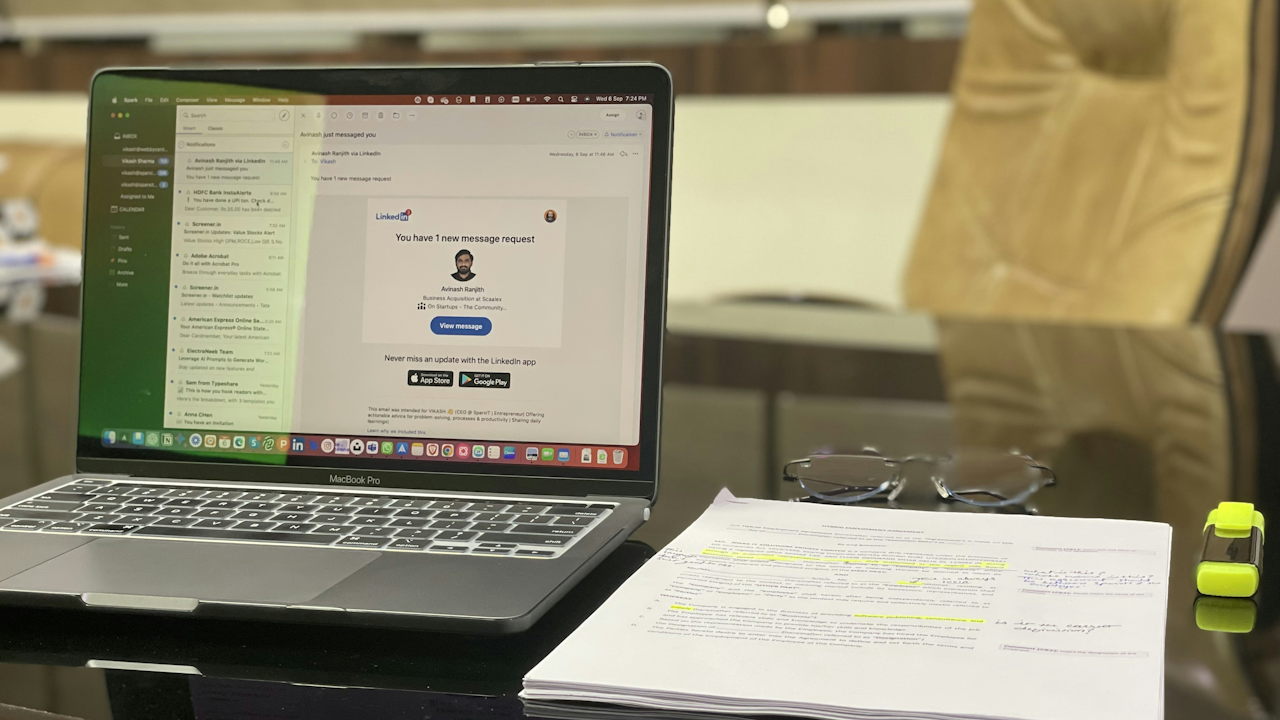
In today’s fast-paced digital workplace, email remains one of the most important tools for communication. Yet many professionals send dozens of messages every day only to receive silence in return. The difference between an email that lands in the trash and one that sparks action often comes down to a few deliberate choices in structure, tone, and clarity. This guide breaks down exactly how to craft professional emails that consistently earn replies. Follow these steps and you will see higher response rates, stronger relationships, and fewer back-and-forth clarifications.
Why Most Emails Go Unanswered
Before diving into the tactics, it helps to understand the problem. Busy recipients scan inboxes in seconds. They delete anything that looks vague, salesy, or time-consuming. Common culprits include fuzzy subject lines, walls of text, missing context, and weak or absent calls to action. The good news is that these issues are easy to fix once you adopt a repeatable framework. The goal is not to sound robotic but to respect the reader’s time while making it effortless for them to say yes.
Step 1: Write a Subject Line That Demands Attention
The subject line is the first and sometimes only part of your email that gets read. Treat it like a headline. It must be specific, benefit-oriented, and under 50 characters when possible so it displays fully on mobile devices.
Effective subject lines share three traits: they state the purpose, include a time element when relevant, and create mild urgency or curiosity without hype. Compare these pairs:
Weak: “Meeting follow-up” Strong: “Action items from March 20 strategy session – need your input by Friday”
Weak: “Question about project” Strong: “Quick clarification needed on Q2 budget allocation for Project Alpha”
Weak: “Newsletter” Strong: “Your March industry update plus two new case studies”
If the email is time-sensitive, add the deadline right in the subject: “Invoice approval needed by March 25 for vendor payment.” For cold outreach, personalize: “Sarah, quick idea to cut your team’s reporting time by 30 percent.” Avoid all-caps, excessive punctuation, or words like “urgent” unless the matter truly is. Test your subject line by asking: If I saw only this line in my inbox at 8 a.m. on a Monday, would I open it?
Step 2: Choose the Right Greeting
The opening sets the tone. Use the recipient’s name whenever possible. “Hi Sarah,” or “Hello Dr. Patel,” works in most professional settings. If you have never met, “Dear Ms. Rivera,” is safer than a casual first-name approach. When addressing a group, “Hi team,” or “Hello everyone,” keeps things inclusive.
Skip “To whom it may concern” entirely; it signals a mass email. If you do not know the recipient’s gender or title, use their full name: “Hello Jordan Lee,”. Always end the greeting with a comma, not a colon, in modern business English. Leave one blank line after the greeting before you begin the body. This small formatting choice makes the email easier to scan.
Step 3: Deliver a Strong Opening Paragraph
Start with context in the first two sentences. Tell the reader why you are writing and how you are connected to them. This removes confusion and builds instant relevance.
Good example: “I am following up on our conversation last week at the industry conference regarding your team’s workflow automation needs. As promised, I have attached the customized proposal we discussed.”
Bad example: “I hope this email finds you well. I am writing to introduce myself…”
The second version wastes the reader’s attention on pleasantries. Busy professionals do not need weather reports or health wishes. Jump straight to value. If the email is a reply, reference the original thread so the context is obvious: “Following up on your note from March 18 about the delayed shipment…”
Limit the opening to three or four lines maximum. The reader should know the entire purpose of the email within 10 seconds of opening it.
Step 4: Structure the Body for Maximum Clarity
Long paragraphs kill response rates. Break your message into short, scannable sections. Use three to five paragraphs at most, each focused on one idea. Bold key requests or deadlines if your email client allows it, but use this sparingly.
A reliable structure looks like this:
- Paragraph 1: Context and purpose (already covered in the opening).
- Paragraph 2: Key details or background.
- Paragraph 3: Specific request or next steps.
- Paragraph 4: Any supporting information or attachments.
- Paragraph 5: Thank you and gentle reminder of timeline.
Bullet points and numbered lists work wonders when you need to convey multiple items. For example:
Please review the following three items and let me know your thoughts by Thursday:
- Updated timeline for Phase 2
- Budget adjustments for marketing spend
- Approval on vendor contract changes
This format lets the reader answer each point quickly, often with simple replies like “Approved,” “Change #2,” or “Looks good.”
Keep every sentence under 25 words when possible. Replace jargon with plain language. Instead of “We need to synergize cross-functional deliverables,” write “We need input from sales and engineering to finalize the launch plan.”
Step 5: Make Your Ask Crystal Clear
The single biggest reason emails fail to get responses is that the reader does not know what to do next. End every professional email with a precise call to action.
Instead of “Let me know what you think,” write: “Can you approve the attached budget by close of business Friday so we can move forward with procurement?”
Or: “Would you be available for a 15-minute call next Tuesday or Wednesday to discuss the proposal?”
Give options when it makes sense. People reply faster when they have choices rather than open-ended requests. If you need a document reviewed, specify the exact deliverable: “Please add your comments directly to the shared Google Doc by March 28.” If no response is needed, say so explicitly: “No action required on your end; this is for your records only.”
Step 6: Maintain a Polite and Professional Tone
Tone travels through text more than most people realize. Read your draft aloud. If it sounds stiff or demanding, soften it. Use “please” and “thank you” generously but naturally. Replace negative phrasing with positive alternatives.
Instead of “You did not send the report on time,” write “I noticed the report is still pending and wanted to check if you need any additional information from my side.”
Use contractions (I’m, you’ll, we’re) to sound human rather than robotic. Avoid exclamation points except in thank-you sentences. Never use emojis in first-time or formal correspondence; save them for established relationships where you already know the culture.
One advanced trick is to include a small piece of appreciation or shared interest. “I really enjoyed your presentation on supply-chain resilience last month” builds warmth without adding length.
Step 7: Close with Purpose
The closing paragraph should reinforce gratitude and restate the next step if needed. Common professional closings include:
“Best regards,” “Kind regards,” “Looking forward to your thoughts,” “Thank you,”
Follow the closing with your full name, job title, company, and contact details. Include a professional email signature that contains your phone number, LinkedIn profile (if relevant), and any standard legal disclaimer required by your organization. Keep the signature to four lines maximum. A bloated signature with logos and multiple links can trigger spam filters.
Step 8: Proofread Ruthlessly Before Sending
Errors destroy credibility. After you finish writing, take these three steps:
- Read the email from the recipient’s perspective. Does every sentence add value?
- Check for typos using both spell-check and a manual read.
- Verify attachments and links actually work.
A helpful final test: Send yourself a copy and read it on your phone. If it feels too long or confusing on a small screen, shorten it. Aim for under 150 words whenever the topic allows. Shorter emails get answered more often.
Step 9: Choose the Right Time to Hit Send
Timing influences response rates more than many realize. Data from email platforms shows higher open and reply rates on Tuesday through Thursday between 9 a.m. and 11 a.m. in the recipient’s time zone. Avoid Monday mornings and Friday afternoons.
If you are emailing someone in a different country, use a tool like World Time Buddy to confirm their working hours. For international teams, note the time zone difference in the email: “I know you are in London, so I have kept this short for your afternoon.”
Schedule emails if you write late at night. Most email clients have a “Send later” feature. This prevents the impression that you work around the clock and gives you time to catch mistakes.
Step 10: Master the Gentle Follow-Up
Even the best emails sometimes go unanswered. Wait five to seven business days before following up. Reference the original message and keep the tone helpful rather than frustrated.
Example follow-up subject: “Quick follow-up on budget approval request from March 20”
Body: “I wanted to check if you had a chance to review the proposal I sent last week. Please let me know if you need any additional details or if there is a better time to discuss.”
Attach the original email or use the “reply” function so the full thread is visible. If you still hear nothing after a second polite follow-up, move the conversation to another channel such as a phone call or LinkedIn message. Persistent but respectful follow-ups show professionalism, not desperation.
Advanced Techniques for Even Higher Response Rates
Once you master the basics, layer in these extras:
- Personalization at scale: Use the recipient’s recent achievement, company news, or shared connection. “I saw your team just closed the Series B round – congratulations.”
- Value-first approach: Offer something useful before asking for anything. Share a relevant article, quick tip, or introduction to a contact.
- Mobile optimization: Most people read email on phones. Use short paragraphs and avoid large attachments that require downloads.
- A/B test subject lines: If you send similar emails regularly, track which versions receive more replies and refine accordingly.
- Track opens and clicks: Tools like Mailtrack or your company’s CRM can show when someone opens your message, helping you time follow-ups.
Common Mistakes to Avoid
- CC’ing too many people: Only include those who truly need to act or be informed.
- Hiding the ask in the middle of a long paragraph.
- Using vague language like “soon” or “ASAP” instead of specific dates.
- Forgetting to update the subject line when the conversation evolves.
- Sending attachments without mentioning them in the body.
- Replying to all when only one person needs the response.
Real-World Before-and-After Examples Original weak email: Subject: Update Hi, Hope you are doing well. I wanted to touch base about the project. Let me know if you have any questions. Thanks, John
Improved version: Subject: Project Alpha timeline approval needed by March 25 Hi Sarah, Following up on our March 18 call, I have attached the revised timeline that incorporates your feedback on Phase 2 deliverables. Could you please review and approve by end of day Friday so we can notify the development team? I have highlighted the two changes we discussed. Thank you for your quick turnaround last time; it really helped keep us on track. Best regards, John Smith Senior Project Manager Acme Solutions (555) 123-4567
The second version is longer but far more effective because every line serves a purpose and the reader knows exactly what to do.
Putting It All Together
Writing emails that get responses is a skill that improves with practice. Create a personal template based on the structure outlined here and adapt it for different situations: internal updates, client proposals, vendor negotiations, or networking requests. After you send 20 emails using this method, review which ones received the fastest replies and adjust accordingly.
Professional email communication is not about sounding impressive. It is about making it easy for the other person to help you. When you respect their time, provide clear next steps, and maintain a courteous tone, responses become the norm rather than the exception. Start applying these principles today and you will notice fewer emails lingering in your sent folder and more productive conversations filling your calendar.