

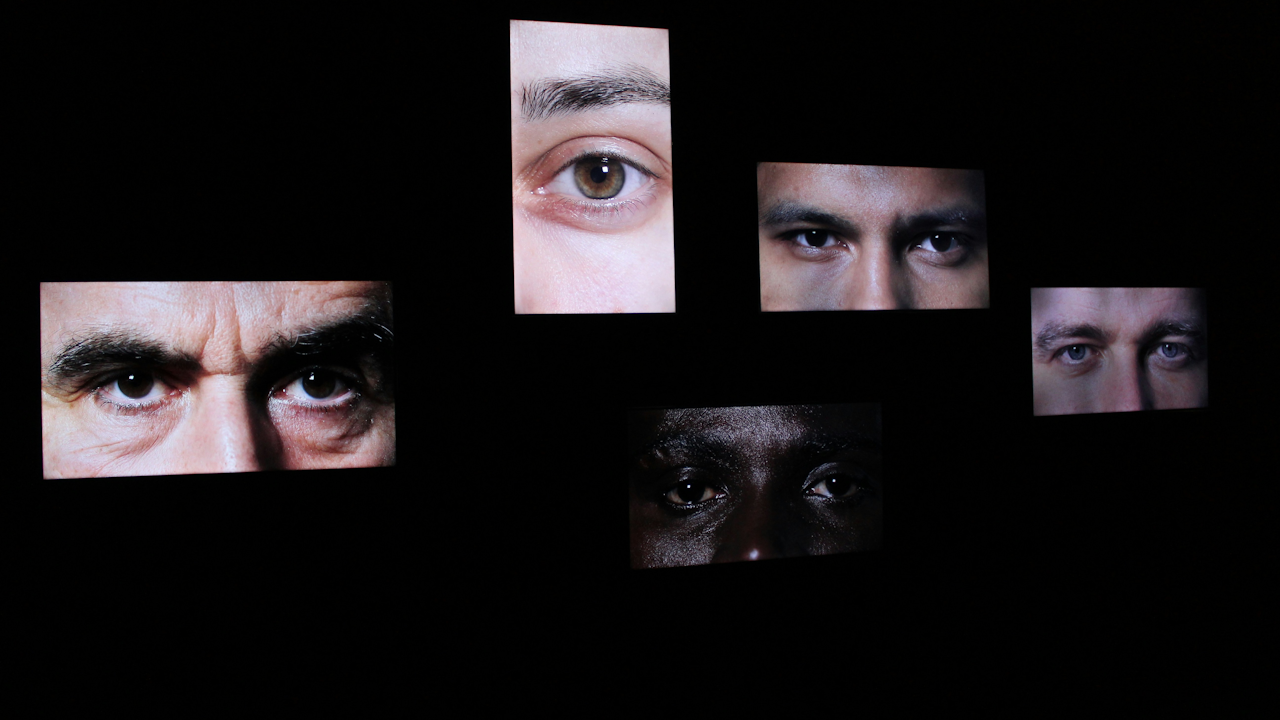
In today’s world, screens dominate daily life. People rely on computers for work, tablets for reading, and smartphones for communication and entertainment. Hours spent focused on these devices add up quickly. This habit often triggers digital eye strain, also known as computer vision syndrome. The condition brings temporary discomfort rather than lasting harm to vision. Yet the symptoms can disrupt productivity and overall well-being.
Common symptoms include dry or irritated eyes, blurred vision after prolonged use, frequent headaches, and even neck or shoulder tension from poor posture. Some individuals notice watery eyes or a gritty sensation as if something is in them. Eye fatigue sets in gradually, making it harder to concentrate. These issues affect a large portion of screen users, with studies showing that many office workers and students report similar complaints during extended sessions.
The root causes are straightforward. Staring at screens reduces natural blinking, which normally refreshes the eye surface with tears. Glare from overhead lights or windows strains focusing muscles. Improper screen distance or angle forces the neck to compensate. Room lighting that clashes with display brightness tires the eyes further. Reduced tear quality or underlying minor vision problems can amplify everything. Blue light from screens receives much attention, but experts emphasize that overuse and setup issues drive most discomfort rather than the light spectrum itself.
Fortunately, simple and effective strategies exist to cut down on these problems. Consistent application of the right habits brings noticeable relief. The following sections outline practical steps based on guidance from eye care professionals.
Follow the 20-20-20 Rule for Regular Breaks
One of the most recommended techniques is the 20-20-20 rule. Every 20 minutes, shift your gaze to an object at least 20 feet away and hold it there for at least 20 seconds. This brief pause relaxes the eye muscles that stay contracted during close work. It also encourages natural blinking to restore moisture.
Set a timer or use phone reminders to build this into your routine. During the 20 seconds, stand up if possible and stretch lightly. For drivers or long commuters, apply a similar approach by glancing at distant road signs periodically. The rule works across devices, whether you use a desktop monitor or a handheld phone. Over time, it prevents the buildup of fatigue and keeps vision clearer throughout the day.
Some people combine this with full screen breaks. After every hour or two, step away entirely for five to ten minutes. Walk around, look out a window, or close your eyes briefly. These longer rests recharge both eyes and mind. Apps or browser extensions can automate reminders, but manual habit formation proves more reliable long term.
Optimize Your Screen Settings and Display Choices
Adjustments to the screen itself reduce strain without extra equipment. Match screen brightness to surrounding room light. Too bright a display in a dim room creates contrast fatigue. Too dark in a lit space forces squinting. Increase contrast slightly so text stands out clearly. Many operating systems offer night modes or warmth filters that soften harsh tones, though these primarily aid sleep rather than direct eye comfort.
Enlarge font sizes and zoom in on documents or webpages. Smaller text prompts closer leaning and tighter focus. Choose sans-serif fonts for digital reading because they appear sharper on pixels. Keep the screen resolution at native settings to avoid fuzziness. Higher refresh rates on monitors, such as 70 hertz or above, minimize flicker that some users perceive subconsciously.
Clean the screen regularly with a microfiber cloth. Dust or smudges lower contrast and make eyes work harder. For phones and tablets, enable dark mode in apps where available. It helps in low light but test it against your environment. Avoid using devices at maximum brightness unless necessary. These tweaks accumulate to make hours of use far more tolerable.
Set Up an Ergonomic Workspace
Proper positioning prevents both eye and body strain. Place the monitor or laptop screen about 20 to 28 inches away, roughly an arm’s length. The top of the screen should sit slightly below eye level so you look down at a gentle angle. This posture opens the eyelids less widely and reduces tear evaporation.
Use an adjustable chair that supports the lower back. Keep feet flat on the floor. Position keyboards and mice to avoid reaching. For multiple monitors, align them at equal distances and angles. If you use a laptop extensively, attach an external keyboard and raise the screen with a stand.
Avoid cradling phones or tablets close to the face. Prop them up at eye level when possible during longer sessions. These arrangements distribute effort evenly and stop compensatory tilting of the head that tightens neck muscles and indirectly fatigues the eyes.
Control Lighting and Minimize Glare
Lighting balance is crucial. Aim for even illumination throughout the room. Overhead fluorescent bulbs often create reflections on glossy screens. Position your desk so windows are to the side rather than directly behind or in front of the monitor. Close blinds during peak sunlight hours.
Install matte screen filters or anti-glare coatings on monitors and devices. These cut reflections without darkening the display too much. Dim nearby lamps or switch to softer bulbs. If working in a very bright office, consider a task light angled away from the screen.
Glare forces constant pupil adjustment, which tires tiny eye muscles quickly. Proper lighting eliminates this battle. Test your setup by turning off the screen and checking for reflections. Any bright spots visible on the dark glass indicate glare sources that need addressing.
Blink More Often and Keep Eyes Moist
Conscious blinking restores the tear film. Make it a habit to blink fully every few seconds during focused work. Some people tape a reminder note near the monitor. Artificial tears or lubricating eye drops provide quick relief for dryness. Use preservative-free versions for frequent application. A few drops every few hours soothe irritation without blurring vision.
Improve air quality around your desk. Humidifiers combat dry office air from heating or air conditioning. Avoid direct vents blowing toward the face. Staying hydrated by drinking water throughout the day supports overall tear production. These moisture-focused steps address the most common symptom of screen use.
Incorporate Simple Eye Exercises
Beyond breaks, targeted exercises strengthen and relax eye muscles. One popular method is palming. Rub hands together to warm them, then cup palms over closed eyes for a minute without pressure. This blocks light and promotes deep relaxation.
Practice the figure-eight exercise. Imagine a large horizontal eight about 10 feet away. Trace it slowly with your eyes for 30 seconds in each direction. Near-far focusing alternates between a close object like your thumb and a distant wall spot. Repeat ten times. These movements improve flexibility and reduce stiffness from constant near focus.
Perform exercises during natural breaks. They take little time yet yield cumulative benefits. Consistency matters more than intensity. Many users notice less end-of-day fatigue after a few weeks.
Choose Eyewear and Filters Thoughtfully
Regular eye exams ensure any refractive errors are corrected. Computer-specific glasses with progressive lenses or single-vision adjustments for intermediate distances can help those who wear contacts or other prescriptions. These reduce the need for constant refocusing.
Blue light filtering glasses and screen apps receive heavy marketing. However, recent reviews and expert consensus find limited evidence that they meaningfully reduce eye strain compared with standard lenses. They may assist sleep by cutting evening exposure but do not replace core habits like breaks and ergonomics. Consult an eye doctor before investing in specialized options.
Anti-reflective coatings on everyday glasses cut glare effectively. For prescription users, discuss computer-focused lenses during checkups.
Adopt Supporting Lifestyle Habits
Nutrition plays a supportive role. Omega-3 fatty acids from fish or supplements may improve tear quality for some people. A balanced diet rich in leafy greens and vitamins supports general eye health. Limit overall daily screen time when possible, especially before bed.
For mobile devices, hold phones farther away and use speakerphone or earbuds for calls. Take advantage of voice-to-text features to reduce typing focus. On tablets, landscape orientation sometimes eases neck strain.
Keep screens dust-free and update software for better readability features. Accessibility settings like high-contrast modes or larger icons help on all devices.
Know When to Seek Professional Help
If symptoms persist despite these changes, schedule an eye exam. Underlying conditions such as dry eye disease or uncorrected vision problems may need targeted treatment. Persistent headaches or vision changes warrant prompt attention. Eye care providers can rule out other issues and offer personalized advice.
Putting It All Together for Lasting Relief
Reducing eye strain requires a combination of habits rather than any single fix. Start with the 20-20-20 rule and workspace adjustments because they deliver immediate impact. Layer in lighting changes, blinking awareness, and exercises next. Review screen settings weekly and maintain regular eye checkups annually.
Most people notice improvement within days of consistent practice. Over months, these routines become automatic. The goal is comfortable, sustainable screen use without sacrificing productivity or enjoyment. Small daily investments protect vision comfort for years ahead.
By understanding causes and applying these evidence-based strategies, anyone can minimize discomfort from modern digital demands. Prioritize eye health alongside technology use. Your eyes will thank you with clearer, more comfortable days.