

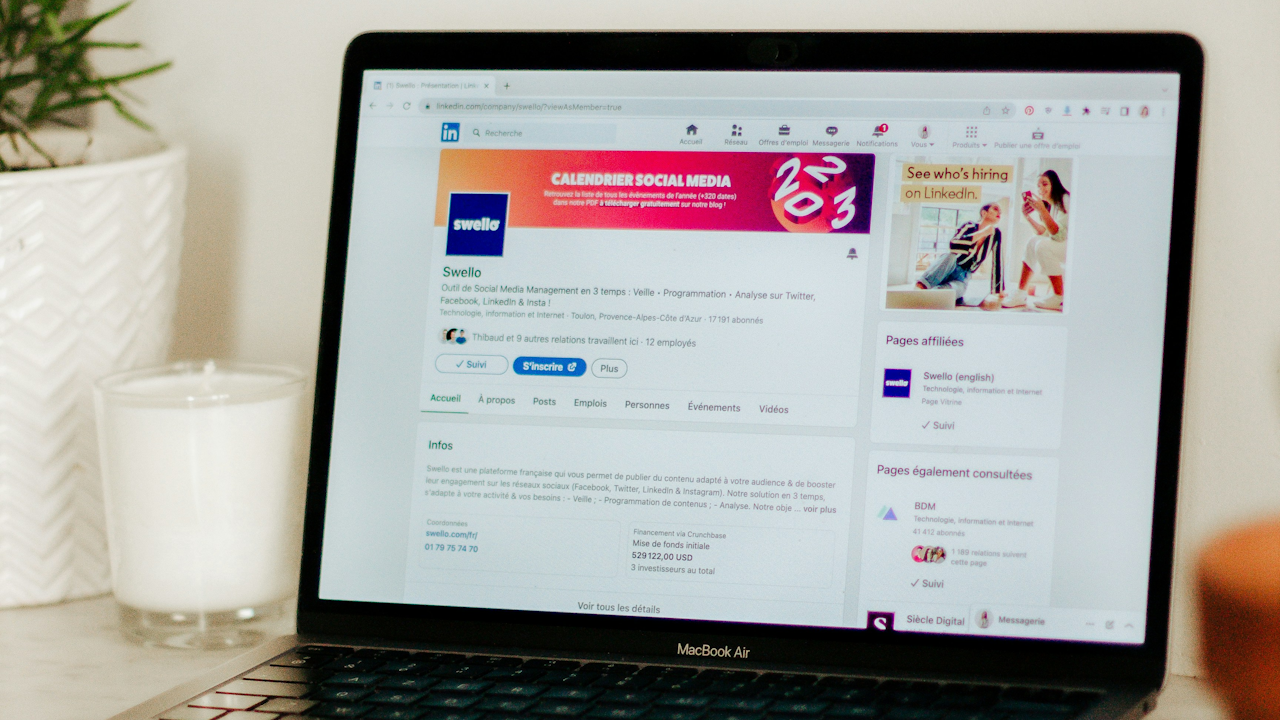
In the professional landscape of 2026, LinkedIn stands as one of the most essential platforms for career advancement, networking, and personal branding. With billions of users worldwide, your LinkedIn profile functions as your digital business card, resume, portfolio, and 24-hour salesperson combined. A thoughtfully optimized profile increases visibility to recruiters, hiring managers, potential clients, and industry leaders. It positions you for new opportunities, collaborations, and meaningful connections. Yet many professionals leave their profiles incomplete, outdated, or generic, missing out on the algorithm’s preference for complete and active accounts.
This in-depth guide delivers actionable, up-to-date tips to build a standout LinkedIn profile. Each section includes why it matters, step-by-step instructions, examples, and common pitfalls to avoid. Follow these strategies to create a profile that attracts the right attention and converts profile views into real results.
Select a Professional Profile Picture That Builds Instant Trust
Your profile picture serves as the very first impression visitors receive. It humanizes your account and signals professionalism. Data shows that profiles featuring a clear photo receive significantly more views and connection requests than those without one. Choose a high-resolution image taken within the past few years that matches your current appearance, including hairstyle, facial hair, or glasses. Your face should fill at least 60 percent of the frame, cropped from the shoulders upward.
Opt for soft, natural lighting such as window light or an overcast day. Maintain eye contact with the camera and offer a genuine smile to appear approachable, competent, and confident. Wear clothing appropriate for your industry, favoring solid colors over busy patterns. Ensure the background remains simple and distraction-free, such as a plain wall or subtle outdoor setting. Have someone else take the photo rather than using a selfie for a more polished result.
Update this image regularly to reflect any changes in your look. Avoid group shots, party photos, vacation selfies, or overly casual attire. LinkedIn provides built-in filters and editing tools for minor adjustments like brightness or contrast, but keep edits minimal and natural. A strong profile picture immediately boosts credibility and encourages visitors to explore the rest of your profile.
Design a Custom Background Banner to Reinforce Your Brand
The banner image spans the top of your profile and offers valuable real estate to tell your professional story visually. Many users overlook it or leave the default design, but a strategic banner reinforces your expertise and value at a glance. Select or create an image sized appropriately at 1584 pixels wide by 396 pixels high.
Incorporate elements that align with your industry, such as subtle graphics, color schemes from your personal brand, or text overlays with a short tagline like your headline or a value statement. For example, a marketing professional might include abstract visuals representing growth and data alongside their name and core offering. Tools outside LinkedIn, such as design platforms, make it easy to generate these without technical skills. Keep the design clean, professional, and free of clutter so it complements rather than competes with your photo.
Update the banner whenever your focus shifts, such as after a career change or new achievement. This visual element sets the tone for your entire profile and helps visitors immediately understand your professional identity.
Craft a Compelling Headline That Captures Attention and Includes Keywords
The headline appears directly below your name and follows you across LinkedIn, appearing in search results, comments, and connection requests. You have up to 220 characters, far more than the default job title and company. Use this space to communicate who you help, how you help them, and the results you deliver rather than simply listing your current role.
Incorporate relevant keywords that recruiters and clients search for, such as industry terms, skills, or job functions. A strong formula is: “I help [target audience] achieve [specific outcome] through [your method or expertise].” For instance, instead of “Senior Software Engineer at TechCorp,” write “Senior Software Engineer Helping SaaS Startups Build Scalable Platforms That Drive 3x User Growth.” Or for a consultant: “Business Growth Strategist | Helping Small Businesses Increase Revenue by 40% in Under 6 Months | Speaker & Advisor.”
This approach makes your headline searchable, memorable, and value-focused. Avoid buzzwords like “passionate” or “motivated” without context, and skip vague phrases. Test variations by viewing your profile in incognito mode to ensure it reads clearly on mobile devices, where many users browse. A well-written headline can increase profile views by making you stand out in searches and encouraging clicks.
Write an Engaging About Section That Tells Your Story
The About section, also known as the summary, provides up to approximately 2,600 characters to introduce yourself in your own words. This is your opportunity to expand on the headline, share your professional journey, highlight key achievements, and include a clear call to action. The first three lines appear before visitors must click “see more,” so start strong with a hook that grabs attention immediately.
Structure it in first person for a conversational tone. Begin with a powerful opening statement or question, such as “After leading digital transformations for Fortune 500 companies, I discovered that the real key to success lies in empowering teams to embrace change.” Then outline your experience, unique value, and skills using short paragraphs or bullet points for readability. A useful workaround for bullets on desktop involves placing the cursor and entering specific keyboard codes to create them.
Weave in keywords naturally for better search rankings without stuffing. Include quantifiable results, such as “Grew revenue by 35 percent” or “Managed teams of 50+ across three continents.” End with a call to action like “Connect with me if you’re scaling a tech team or exploring AI integration strategies.” Share your personality and leadership philosophy to make the section memorable and human.
Avoid copying your resume verbatim or writing in third person. Do not leave it blank or overly short. An optimized About section builds trust, differentiates you from competitors, and turns casual visitors into engaged connections.
Optimize the Experience Section to Showcase Impact and Achievements
The Experience section forms the core of your profile and should go beyond listing job titles and responsibilities. For each role, include your title, company, location, and dates. Then focus on accomplishments rather than daily tasks. Use bullet points to highlight specific contributions with metrics whenever possible.
Start each bullet with strong action verbs such as “Led,” “Developed,” or “Optimized.” Quantify results to prove your value, for example: “Increased quarterly sales by 45 percent by implementing a new CRM system and training a 12-person team.” Or “Reduced operational costs by 28 percent through process automation while maintaining 99 percent client satisfaction.” Add relevant keywords from your industry to improve discoverability.
Include media attachments like links to projects, articles, presentations, or videos to bring your work to life. Keep entries concise yet detailed enough to demonstrate progression. Update this section promptly after promotions, new roles, or major wins. For current positions, emphasize ongoing impact.
Common mistakes include vague descriptions like “Responsible for marketing” or leaving older roles empty. Instead, focus on relevance to your current goals. This section proves your track record and helps AI-powered recruiter tools match you with opportunities.
Highlight Education, Certifications, and Licenses for Credibility
The Education section adds depth, especially for recent graduates or career changers. List your school, degree, field of study, and dates. Include relevant coursework, activities, honors, or theses if they strengthen your profile. For experienced professionals, keep details brief unless the education ties directly to your expertise.
Add Licenses and Certifications separately to showcase specialized credentials. Include the issuing organization, date earned, and expiration if applicable, along with a link or ID number. Examples include project management certifications, industry-specific licenses, or online course completions in emerging technologies like AI or data analytics. These elements signal continuous learning and commitment to growth.
Populate Honors and Awards or Publications sections when relevant to build external validation. Empty sections can make a profile appear incomplete, so fill them strategically to support your overall narrative.
Build a Robust Skills Section and Encourage Endorsements
The Skills section allows you to list up to 100 skills, but prioritize the most relevant ones at the top. Include a mix of technical, soft, and industry-specific abilities that align with your target roles or clients. Pin your top three skills for immediate visibility.
Endorse connections for their skills to encourage reciprocity, which can increase your own endorsements. Request endorsements from colleagues who have direct experience with your work. Regularly review and update this list to match evolving industry demands, such as adding new tools or methodologies.
This section boosts your profile in LinkedIn searches and helps the algorithm understand your expertise. Avoid listing every minor skill; focus on those you want to be known for.
Collect and Display Recommendations to Establish Social Proof
Recommendations provide third-party validation that strengthens credibility more than self-written content. Request specific, detailed recommendations from managers, clients, or colleagues by personalizing your message and reminding them of a particular project or achievement.
Aim for a balance across different roles and relationships. Write thoughtful recommendations for others first to build goodwill. Featured recommendations appear prominently, so select the most impactful ones. In 2026, with increased emphasis on authentic connections, genuine recommendations carry significant weight in decision-making processes.
Leverage the Featured Section to Showcase Your Best Work
The Featured section sits near the top of your profile and allows you to highlight posts, articles, links, media, or documents. Use it to display portfolio pieces, case studies, videos, or recent achievements that support your story. For example, pin a video introduction, a published article, or a project summary with metrics.
Keep this section fresh by rotating content periodically. It adds visual interest and provides tangible proof of your capabilities beyond text descriptions. Many profiles leave it empty, so populating it gives you an edge.
Customize Your Public Profile URL for Professionalism
Your default URL contains random numbers and letters, which looks unprofessional. Edit it in your profile settings to something clean and memorable, such as linkedin.com/in/yourfullname or linkedin.com/in/yourname-expertise. Check availability and keep it short.
Share this custom URL on business cards, email signatures, websites, and resumes. It makes you easier to find and reinforces a polished brand.
Activate Creator Mode and Additional Features if They Fit Your Goals
If you create content regularly, turn on Creator Mode to gain access to analytics, a newsletter option, and topic hashtags. This feature highlights your content focus and can increase reach. For job seekers, enable the Open to Work banner selectively. Explore other sections like Volunteer Experience, Languages, or Causes to provide a fuller picture of who you are.
Incorporate Keywords Strategically Throughout for Better Discoverability
LinkedIn operates as a search engine, so integrate relevant keywords naturally in your headline, About section, Experience descriptions, and Skills. Review job postings or industry trends for high-value terms. Balance keywords with readable, human-centered writing to avoid penalties from the algorithm. This practice ensures your profile appears in more searches without feeling forced.
Stay Active to Amplify Your Profile’s Reach
A perfect profile alone is not enough in 2026. Regular engagement through comments, shares, and original posts signals relevance to the algorithm. Dedicate time weekly to interact with your network and industry content. This activity keeps your profile visible in feeds and encourages more profile visits.
Review and Update Your Profile Regularly
Set a quarterly reminder to audit your profile. Update achievements, refresh visuals, and align content with your current goals. Small changes can yield big results as your career evolves.
Conclusion
Creating a successful LinkedIn profile requires intention, authenticity, and ongoing attention. By implementing these tips, from a professional photo and keyword-rich headline to achievement-focused Experience entries and active engagement, you transform your profile into a powerful tool that works for you around the clock. The investment of time pays off through increased opportunities, stronger personal branding, and meaningful professional relationships. Start with one or two sections today, then build momentum. Your future self, and your network, will thank you for the effort. A standout profile in 2026 is not about perfection but about clearly communicating the unique value you bring to the table. Take action now and watch your professional opportunities expand.